Plan the rack.
Print the parts.
Fire the show.

Software for designing DIY fireworks mortar racks. Calculate angles. Simulate the show. Download cut lists and 3D-print files (STLs).

Chase Richardson Designed by Chase Richardson Built in a Tennessee garage Watertight STLs, Bambu P1S-calibrated Planning aid — not engineering certification
What it is

A workshop for the show in your head.

Visualize Rack view in the Forge and Boom app — 3D rack layout with tubes placed

Design

Design your rack, tilt your tubes, pick your fuse order. Live 2D and 3D preview.

Sky Preview animation — a simulated mortar show mid-burst

Simulate

Watch the show before you light it. Physics-accurate trajectories, real burst timing.

A stack of freshly 3D-printed mortar-rack collars and bottom blocks in red PLA

Print

Watertight STL files for top collars and angled base blocks. Calibrated for Bambu P1S, slicer-ready.

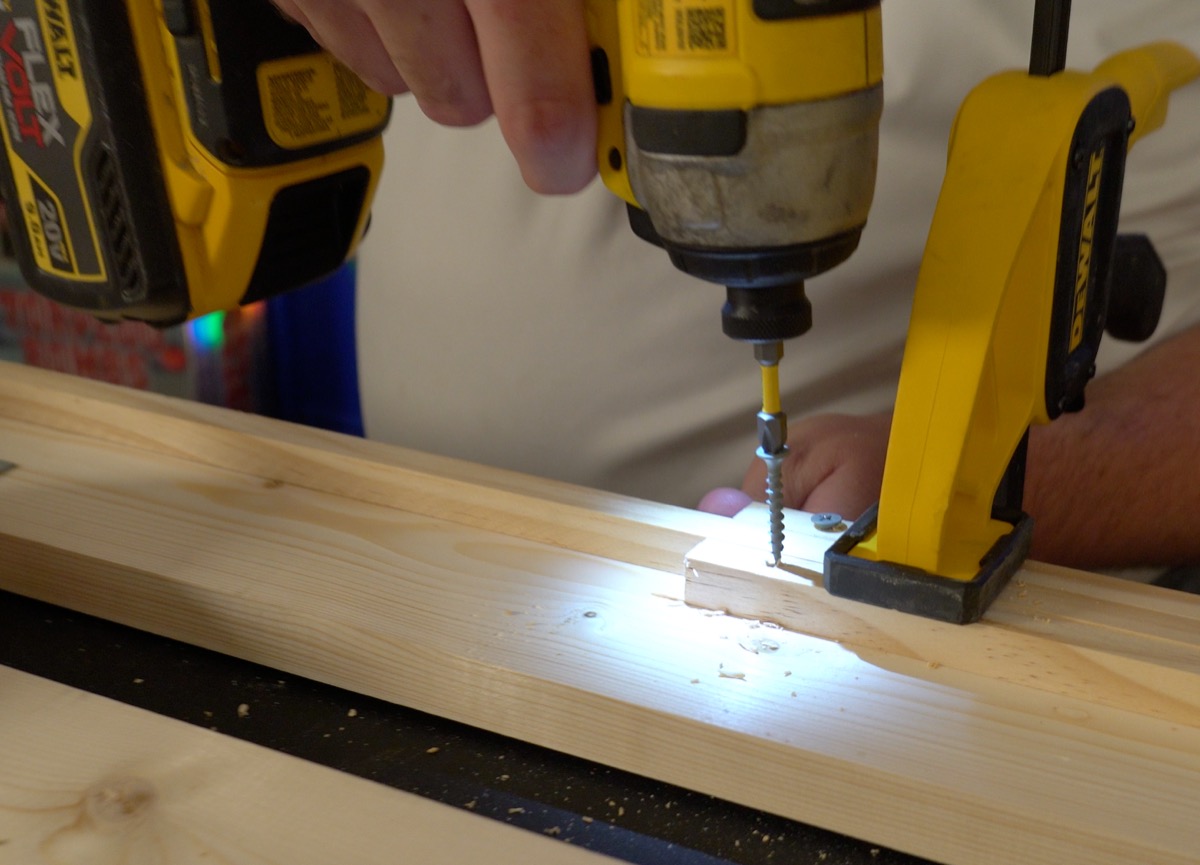
Driving a screw through a printed bottom block into the wood frame, garage workshop

Build

Cut lists for lumber, hardware BOM, and an 11-step printable build guide. Cut, assemble, fire.

See it in action

Watch what it does.

The payoff

Fully assembled rack. Ready to go.

Lumber cut, hardware in, 3D-printed parts seated. The Chase Face 4×8 — designed, printed, built, and ready for a Tennessee night sky.

Fully assembled Chase Face 4×8 mortar rack — wood frame, 3D-printed bottom blocks, top collars, tubes seated, ready to fire
Try it without signing up

Open a rack the founder actually fired.

Click a preset. Fork it. Tweak a row. No account needed.

Free for the first 100 builders (terms may change — see EULA)

Be a Founder.
Free Lifetime Pass for a photo of your show.

At launch, the first 100 builders get a free Lifetime Pass — every STL, every cut list, every build guide. No card, no trial, no catch, no renewal, no recurring charge.

We're hoping you'll send a photo when you fire your show and tell us what to fix — your feedback shapes v2. Entirely up to you; your Pass is yours either way.

After 100, it's a $29 Season Pass. Founders never pay this.

Founders Pass · Lifetime
What you unlock
  • All STL downloads (watertight, slicer-ready)
  • DIY cut list + BOM (Bill of Materials)
  • 11-step printable build guide
  • Lifetime access — no renewal, no recurring charge
  • Direct support from the Forge and Boom team
Open now — claim yours.
Claim my Founders Pass → Just let me design a rack →
A photo of your show would be nice when you fire it — no obligation.
Built and fired

Real wood. Real prints. Real shells.

The whole pipeline, in one garage. Photos from the v1 build.
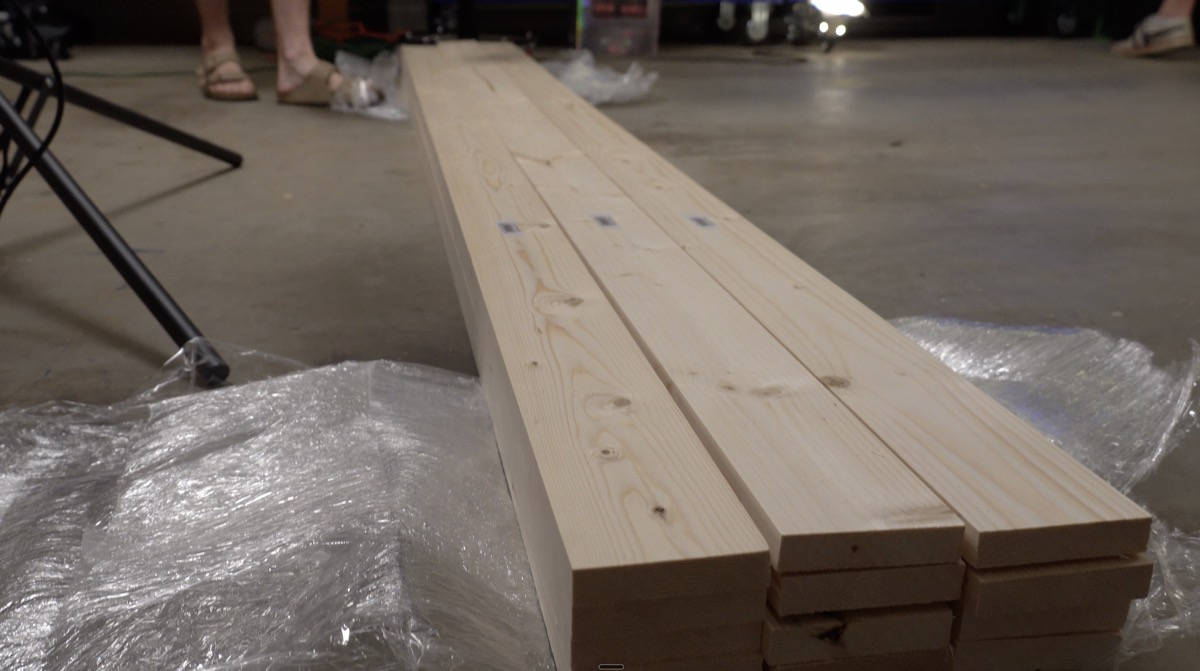
Stacked cut pine boards on the garage floor
① Cut to length
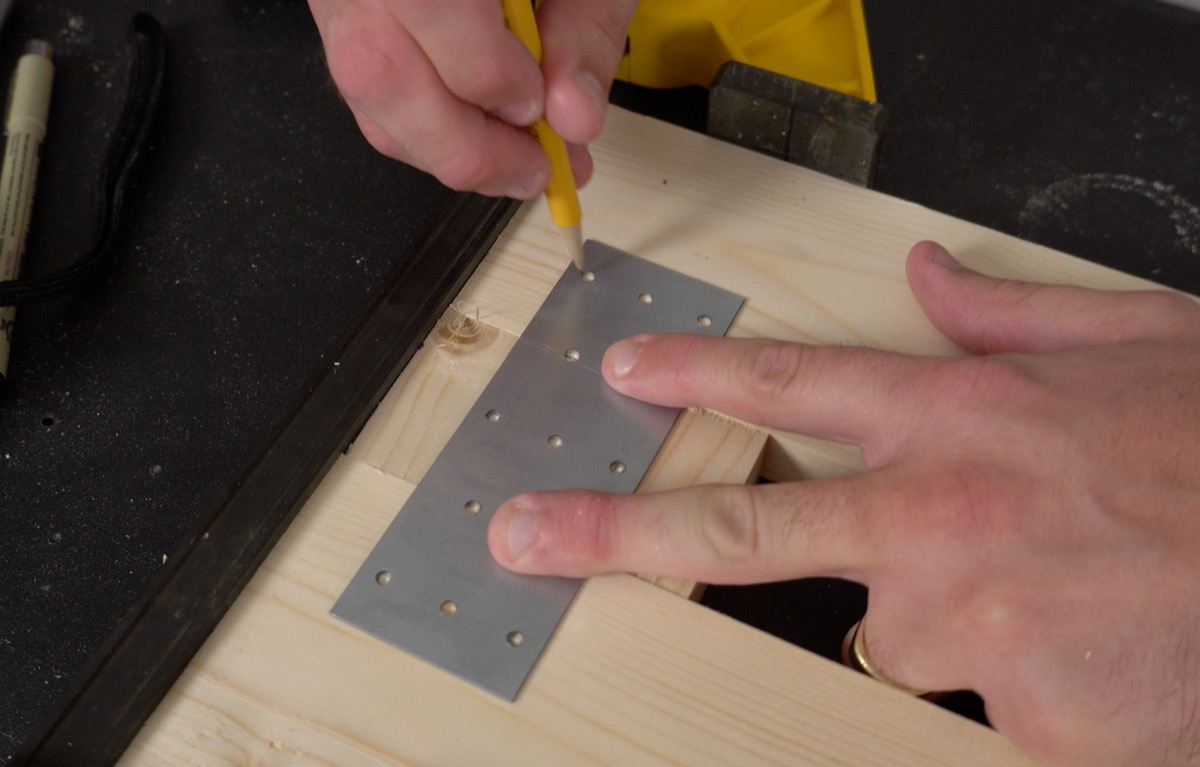
Marking pilot holes through a Simpson Strong-Tie plate with a yellow pencil
② Mark the joints
DeWalt impact driver sinking a screw through a wood block into a pine rail
③ Build the frame
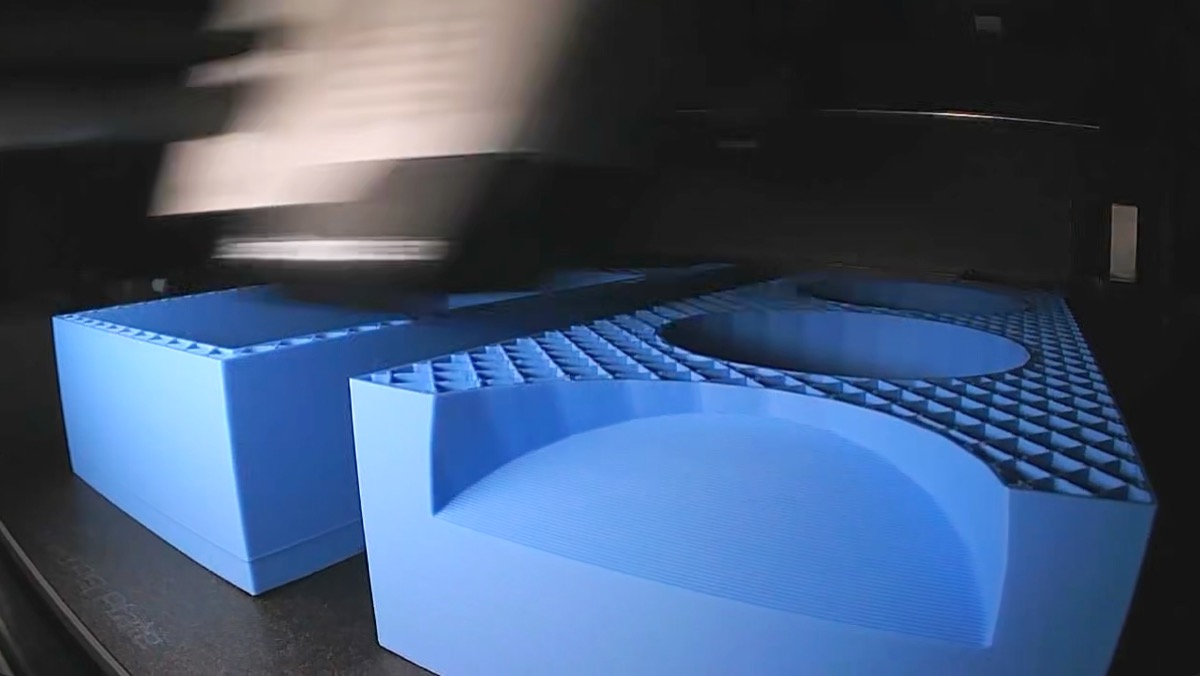
Finished blue 3D-printed mortar-rack spacer blocks resting on the printer bed
④ Print the parts
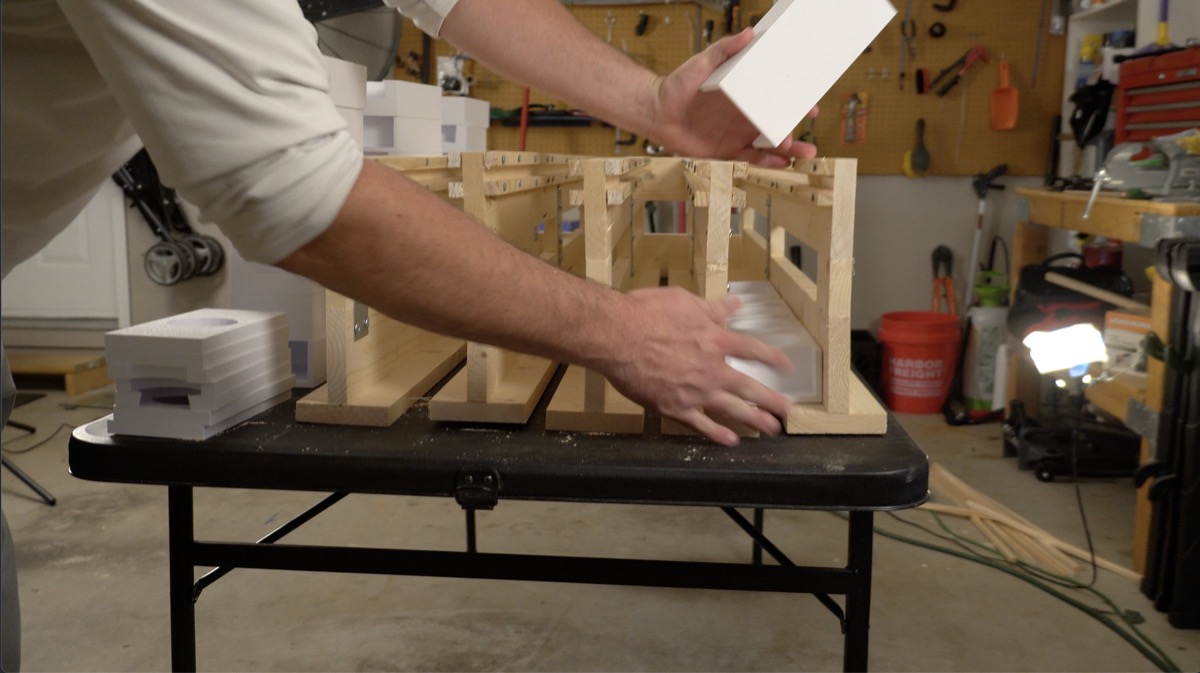
Lowering a 3D-printed spacer block into the wooden mortar rack frame
⑤ Drop in printed parts
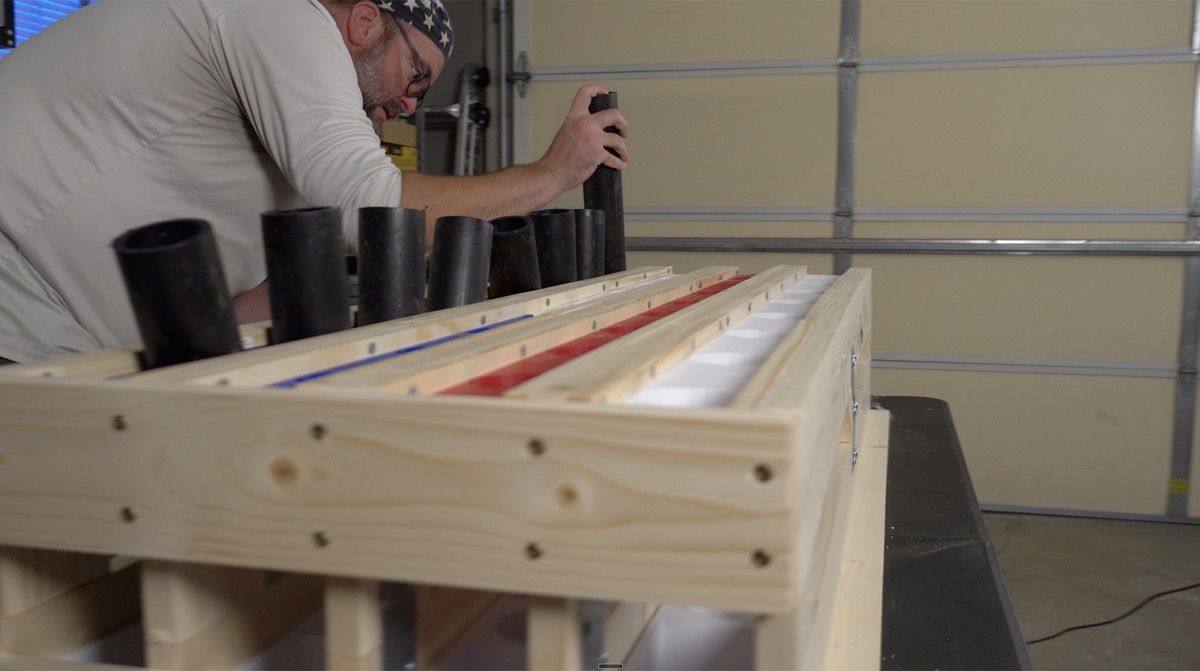
Loading black HDPE mortar tubes into the assembled wooden rack
⑥ Load the tubes
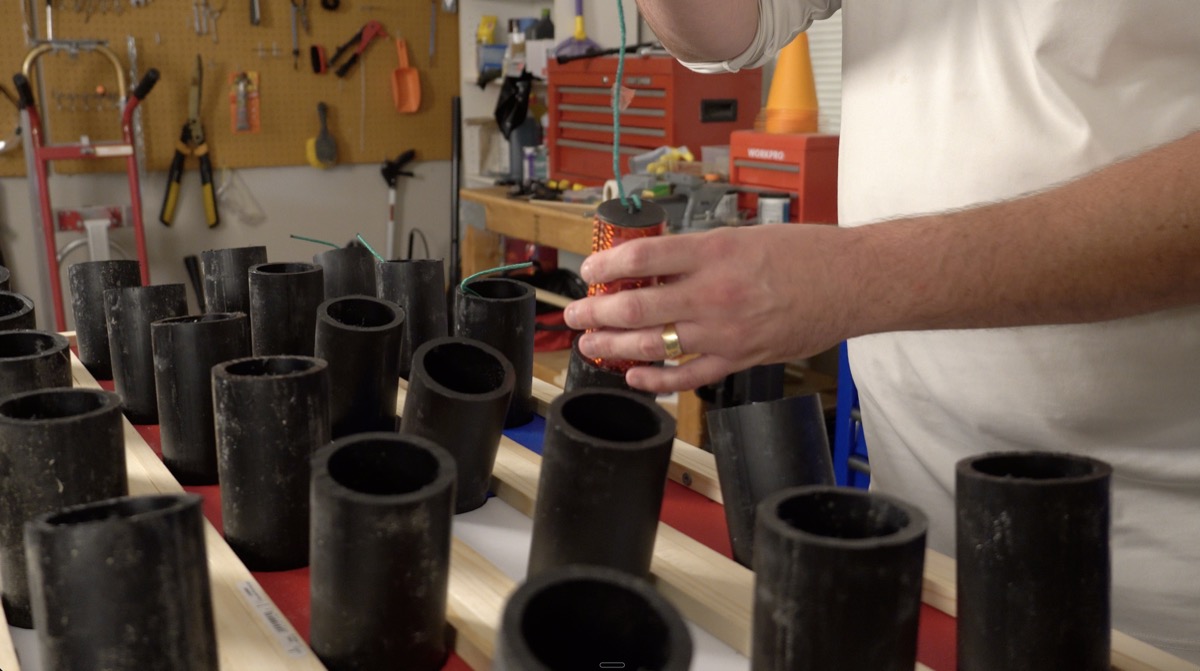
Lowering an orange foil-wrapped shell toward a mortar tube
⑦ Load the shells
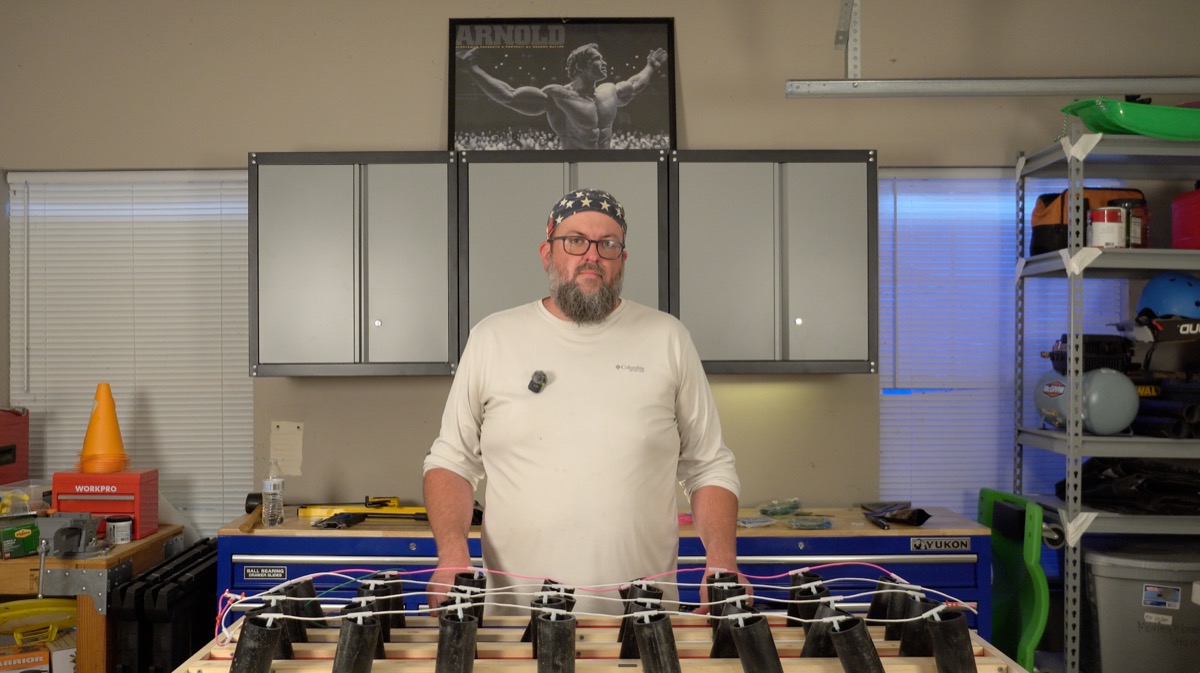
Builder standing behind a finished mortar rack with quick-match fuse wired across all tubes
⑧ Wire the fuse
How it works

Six steps from idea to ignition.

01
Pick a preset or start from scratch

Pick a preset, or start from scratch.
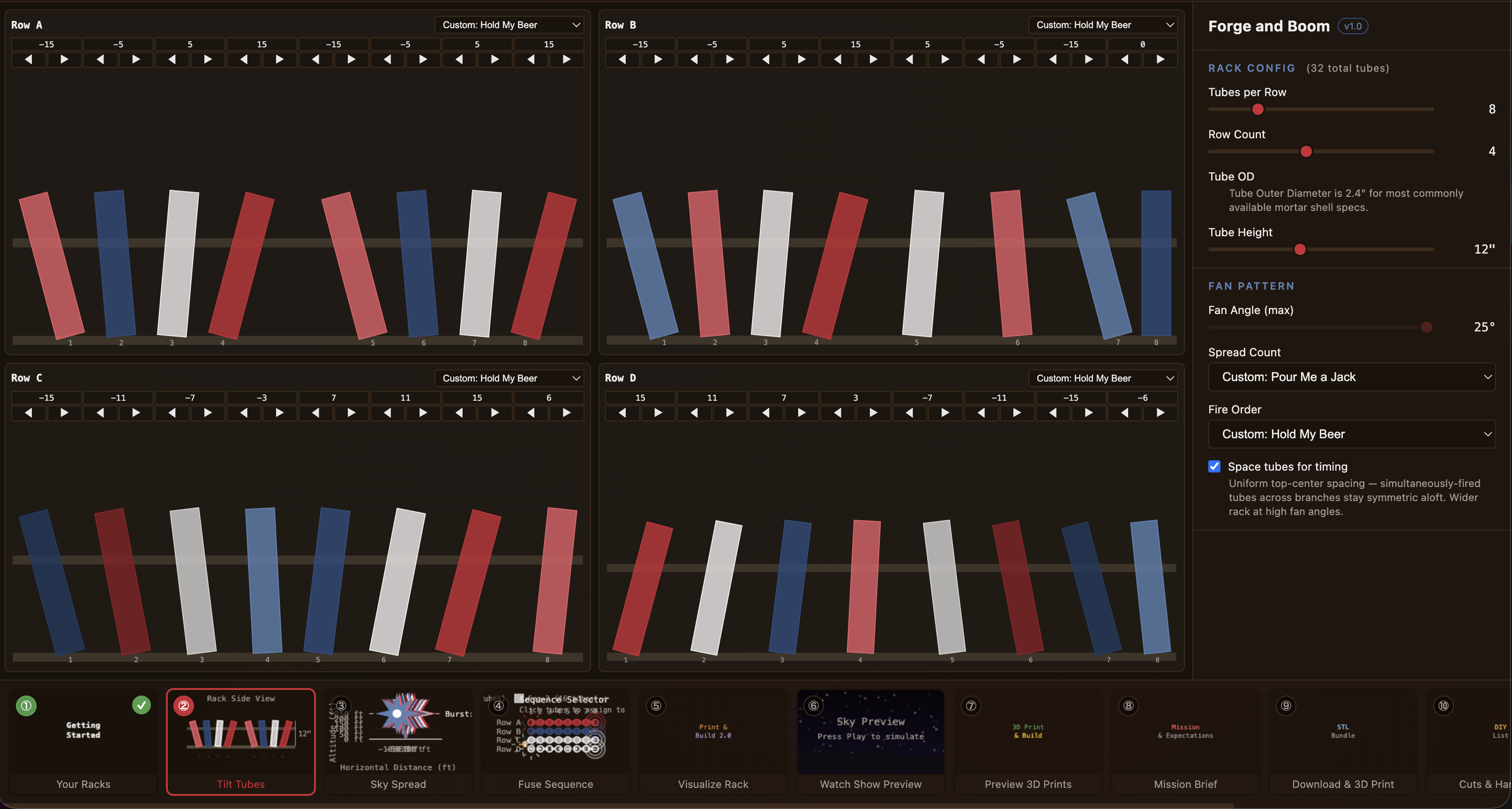
02
Tilt every tube

Tilt every tube. Custom rows allowed.
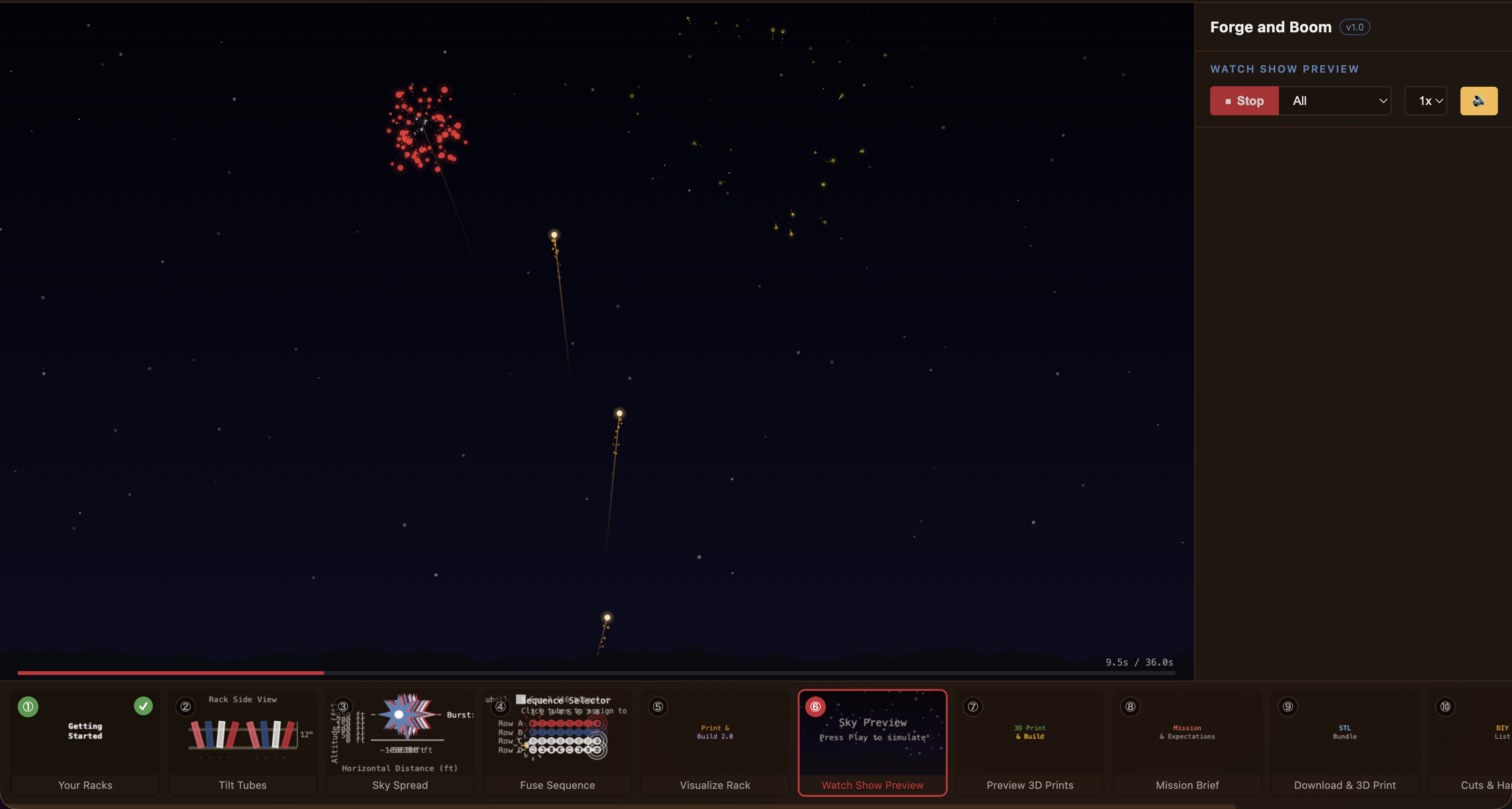
03
Watch the sky preview

Watch the show in the sky preview.

04
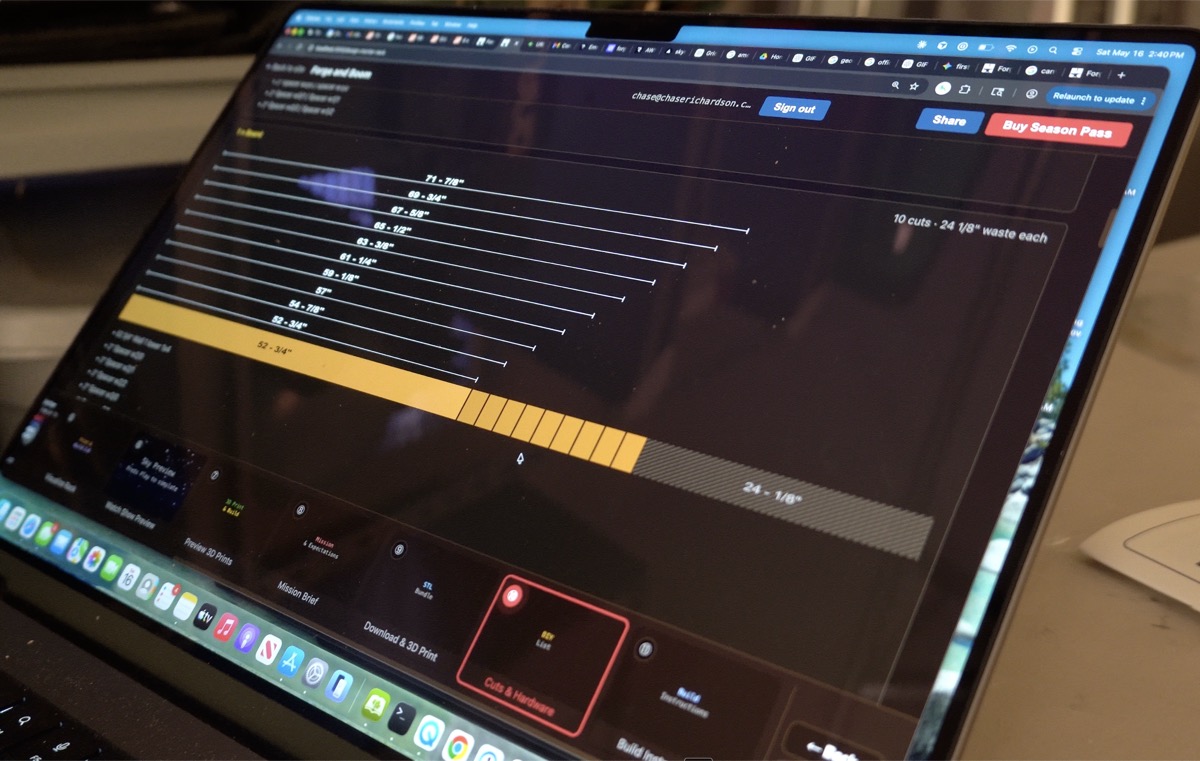
Forge and Boom Cuts & Hardware screen open on a laptop in the garage

See the cut list and BOM before you buy a thing.

05
DeWalt impact driver sinking a screw through a wood block into a pine rail

Print, cut, screw. Eleven-step printable build guide.

06
Be the hero of the block

Be the hero.

Show the work

Software to spark. The full loop.

Design the rack on a laptop in the workshop. Print the parts on a desktop machine. Paint, cut, screw, fuse, load. Every step here is a real photo from the v1 build.

Forge and Boom Cuts & Hardware screen open on a MacBook in the garage workshop
① Plan it. Real cut list + BOM, in the app.
Bambu P1S printing red 3D-printed mortar-rack spacer parts mid-job
② Print it. Watertight STLs, your printer.
Stacks of finished 3D-printed mortar rack spacer blocks painted red, white, and blue
③ Paint it. Or don't. Your rack, your call.
Completed mortar rack with all HDPE tubes loaded, sitting on a workbench
④ Assemble. The cut list lines up because the geometry does.
Overhead view of hands stringing quick-match fuse between mortar tubes on the finished rack
⑤ Fuse + fire. Be the hero of the block.
Screenshot of the Bambu slicer with Forge and Boom-generated STL files arranged on the print bed
Stack of freshly 3D-printed mortar-rack collars and bottom blocks in blue PLA on the workbench

Numbers you can actually plan around.

Every output is buildable. Every number shows its work. No black boxes.

  • Honest kinematics with real burst timing.
  • Watertight CSG-generated STLs ready for the slicer.
  • Bambu P1S-calibrated print estimates.
  • Cut plans optimized for standard lumber.
12.09
min/in · P1S calibrated
0.20
mm layer · watertight
angle resolution
Honest fit check

Built for the backyard pyro hobbyist.

You

Comfortable with a 3D printer. Comfortable with a circular saw. Firing consumer-grade 1.75–1.9″ HDPE shells from your own backyard. Setbacks and spacing are tuned for that.

Not you

Permitted pro-show operator. Anyone working with commercial mortar shells. Anyone who's never fired a single mortar before. If you don't know what HDPE means, please go learn the fundamentals from a real human first — then come back.

Never 3D printed?

It's easier than it sounds.

3D printing means a desktop machine slowly builds a plastic part by laying down hot plastic, one thin layer at a time. You feed it a digital file (an STL) — the kind Forge and Boom exports for you — and a few hours later you peel a finished mortar collar or base block off the build plate.

Don't own a printer? Get one. 3D printing is the democratization of manufacturing, and our Founding Fathers would approve. You don't need to buy one to use this site, though. Send the STL files we generate to an online print service, a local maker space, or a friend with a printer. The watch-the-show preview, the cut list, and the lumber plan all work without printing a single part.

Watch the 30-second explainer →

Pricing

Free to design. Founders pay with feedback.

Free
$0
  • Design unlimited racks
  • 2D and 3D preview
  • Sky preview animation
  • Save your racks (sign-in)
Start designing
No account required to try.
First 100 builders
Founders Pass · Lifetime
Free
  • Everything in Free
  • All STL downloads
  • DIY cut list + BOM
  • 11-step printable build guide
  • Lifetime access — no renewal, no recurring charge
Claim my Founders Pass
A photo of your show would be nice when you fire it — no obligation.
Season Pass · 4 months
$29
  • Same unlocks as Founders
  • 4-month access window
  • Launches after Founders 100
Founders Pass holders never pay this.
Where the forge meets the boom
Build a rack that earns the boom.
Claim my Founders Pass